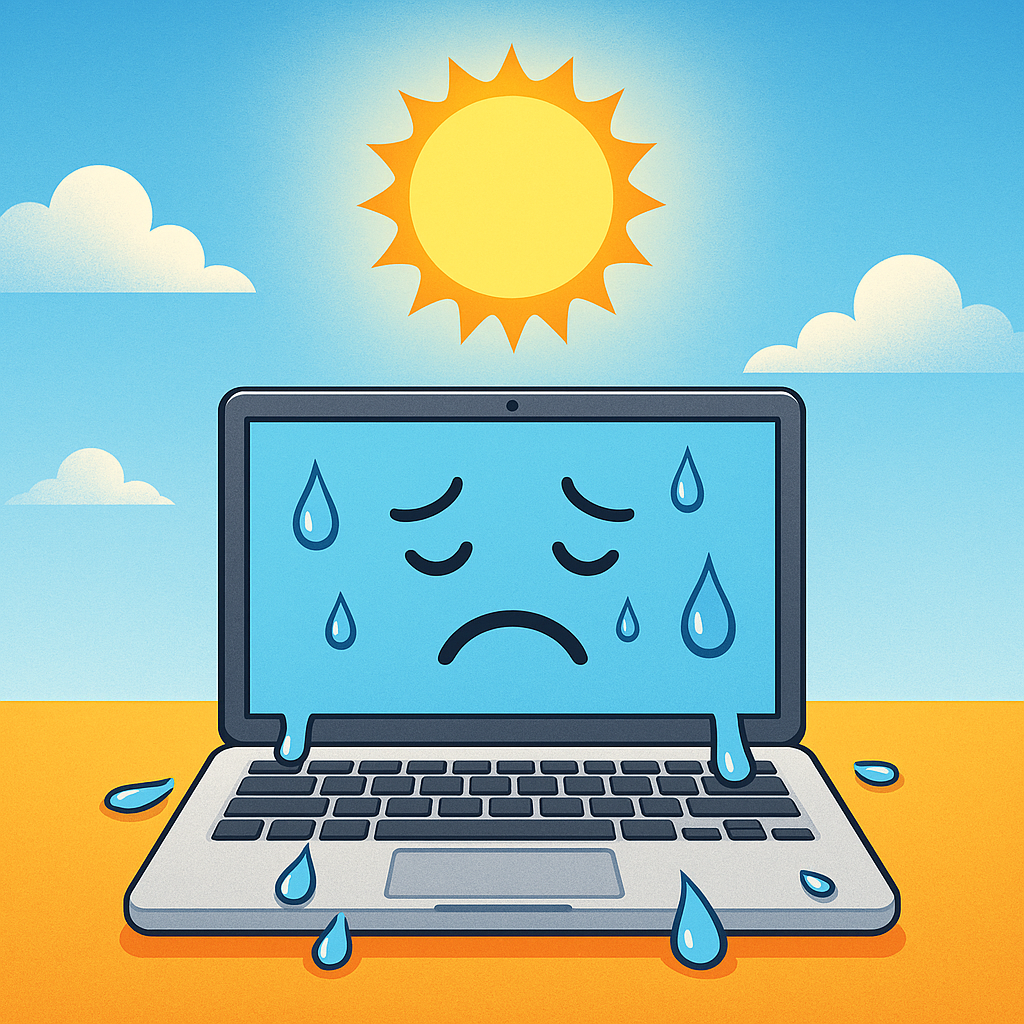
As temperatures rise and summer approaches, most organizations focus on keeping their offices—and employees—comfortable. But there’s another important factor that often gets overlooked: your technology.
From laptops and desktops to servers and networking equipment, heat can significantly impact performance, reliability, and lifespan. Keeping your devices cool isn’t just a best practice—it’s essential to maintaining smooth day-to-day operations.
🌡️ The Hidden Risks of Heat
Electronic devices are designed to operate within specific temperature ranges. When those limits are exceeded, several issues can arise:
1. Performance Slowdowns
Modern devices automatically reduce performance when they overheat to protect internal components. This can lead to lag, slow applications, and decreased productivity.
2. Increased Hardware Wear and Tear
Excess heat puts stress on internal components like processors, power supplies, and storage drives. Over time, this accelerates aging and increases the likelihood of hardware failure.
3. Shortened Device Lifespan
Prolonged exposure to high temperatures can permanently damage components, meaning devices may need to be repaired or replaced sooner than expected.
4. Unexpected Downtime
Overheating systems may shut down abruptly to prevent damage. This can interrupt workflows, disrupt operations, and create avoidable delays.
🏢 Common Summer Risk Scenarios
During the summer months, certain environments become more prone to overheating issues:
- Home offices without proper air conditioning or ventilation
- Equipment in small or enclosed spaces like server closets with limited airflow
- Devices exposed to direct sunlight, especially near windows or in temporary workspaces
- Warehouses, retail spaces, or garages where temperature control may be minimal
These scenarios can quietly contribute to performance issues and hardware stress if left unaddressed.
✅ Best Practices to Keep Things Cool
A few simple steps can go a long way in protecting your devices during warmer months:
1. Improve Airflow
Ensure vents aren’t blocked and allow space around devices for proper ventilation. Crowded or enclosed setups trap heat.
2. Monitor Device Temperature
Many systems provide built-in temperature readings. Keeping an eye on these can help catch issues early.
3. Keep Devices Out of Direct Sunlight
Even a small amount of direct sun exposure can raise device temperatures quickly.
4. Clean Dust and Debris
Dust buildup restricts airflow and reduces cooling efficiency. Routine cleaning of fans, vents, and equipment helps maintain proper airflow.
5. Power Down When Not in Use
Turning off unused devices reduces heat buildup and extends equipment life.
6. Rebooting your devices
Rebooting your devices gives your computer a reset switch to unload anything that would cause the system to perform poorly, leading to overheating.
🔚 Final Thoughts
Summer heat can have a bigger impact on your technology than many realize. From slower performance to unexpected downtime, overheating devices can disrupt operations and increase costs.
Taking a proactive approach—through better ventilation, monitoring, and maintenance—can help ensure your systems continue running smoothly all season long.